Should You Use a Password Manager for Home Internet?
In today’s connected world, the average household manages a surprising number of online accounts—from streaming services and smart thermostats to shopping platforms and financial portals. Each of these requires a password, and juggling them all securely has become a modern challenge. Many people resort to reusing passwords or storing them in browsers without realizing the potential dangers. This is where password managers enter the picture. But are they truly safe, and should every home internet user rely on one? Let’s take a closer look.
Understanding the Role of Password Managers at Home
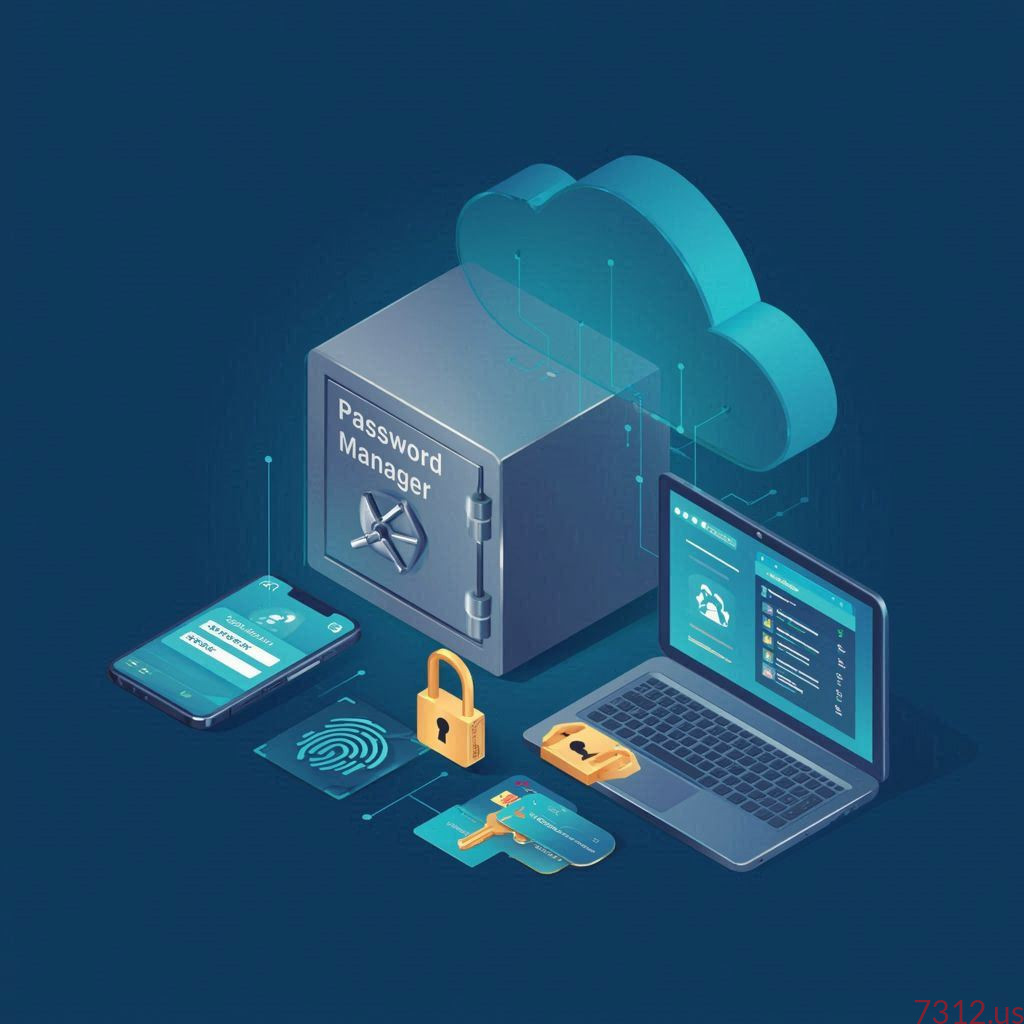
A password manager is like a digital vault designed to store your login credentials securely. It encrypts your passwords and helps you create strong, unique ones for each website or service you use. For the average home internet user, this can be a game-changer. Instead of trying to memorize dozens of complex passwords, you only need to remember one master password to access the rest. This drastically reduces the temptation to reuse weak passwords—a major security improvement for any household.
Beyond convenience, password managers help protect family members who may not be tech-savvy. By generating unique passwords automatically, they lower the risk of account breaches caused by reused credentials across different sites. Parents can also use password managers to safely share access to family accounts, like streaming services, without revealing the actual passwords. When set up properly, everyone benefits from both added security and simplicity.
That said, not all password managers are equally trustworthy. Reputable options like Bitwarden, 1Password, and Dashlane prioritize end-to-end encryption and have solid track records for transparency. On the other hand, simple browser-based password savers—while convenient—might not offer the same level of security. They may store passwords in less-protected ways and could expose them if your computer becomes compromised. Choosing the right solution is as important as deciding to use one at all.
Balancing Security, Convenience, and Privacy Online
Using a password manager brings both benefits and trade-offs. On the one hand, they dramatically improve your overall security posture, helping you move away from unsafe habits like password reuse or sticky notes on the fridge. On the other, they concentrate your security into a single point—the master password. If that password is weak, or if you fall for a phishing attempt, the whole vault could be at risk. That’s why enabling two-factor authentication (2FA) on your password manager is just as essential as using it in the first place.
For most home internet users, the convenience factor can’t be overstated. Password managers make logging in across multiple devices effortless, syncing data between your phone, laptop, and even smart TVs in certain cases. They also alert you to compromised or reused passwords, giving you a chance to act before hackers exploit them. This combination of automation and security awareness can turn everyday users into much safer digital citizens.
However, privacy-conscious users should also pay attention to where their data is stored. Cloud-based password managers, while user-friendly, depend on trusted encryption and the company’s privacy policies. If you prefer keeping your data offline, local-only managers like KeePass may be a better fit. Avoid using unverified or poorly reviewed managers that lack transparency about encryption standards or data handling. A well-chosen password manager can strike the right balance between security, convenience, and privacy—key ingredients for a safer home internet experience.
Password managers aren’t a magic bullet, but they’re one of the smartest tools you can use to protect your digital life at home. By storing and generating strong passwords securely, they make it easier to practice good password hygiene for every member of the household. Choose one from a reputable developer, enable two-factor authentication, and use a strong master password. In doing so, you’ll reduce your exposure to data breaches and make your daily online life both safer and simpler.